
The best driver tool there is
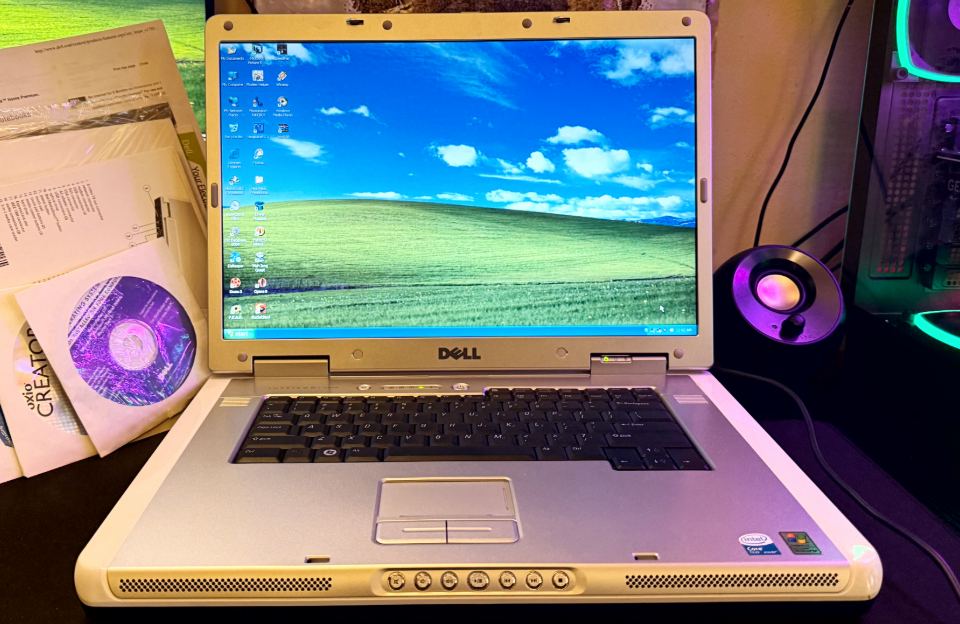
A few years back when I got into retro tech, specifically retro desktops and laptops, one of the issues I ran into was finding drivers. Before buying an old PC I typically would search to see if I could find the drivers. Sometimes I could find them on Archive.org. I got lucky a few times and found drivers stored on the company’s website. A lot of computer companies have purged their legacy drivers from their servers. Dell is pretty good about this. Even with that, often I can’t find the exact service tag and just give a list of all the drivers for every variation of the machine’s configuration. Downloading drivers and hoping they’re the correct ones can be tedious, especially with some of the naming schemes for the packages. Dell for instance names theirs like, R1#####. The pounds represent a series of numbers.
A while later I watched a video, Install Windows XP on Haswell with Easy2Boot and Snappy Driver Installer, over on Phil’s Computer Lab channel on YouTube. I highly recommend checking it out. I’ve been a subscriber for a while, and I recommend heading over there and subscribing as well. He makes great content and is very knowledgeable. He also hosts a website of the same name where he hosts some very useful old utilities and more. Before this video I had no idea this utility existed. This was one of those moments when I was just watching a video and ended up being introduced to a useful program that I would go on to keep on hand.
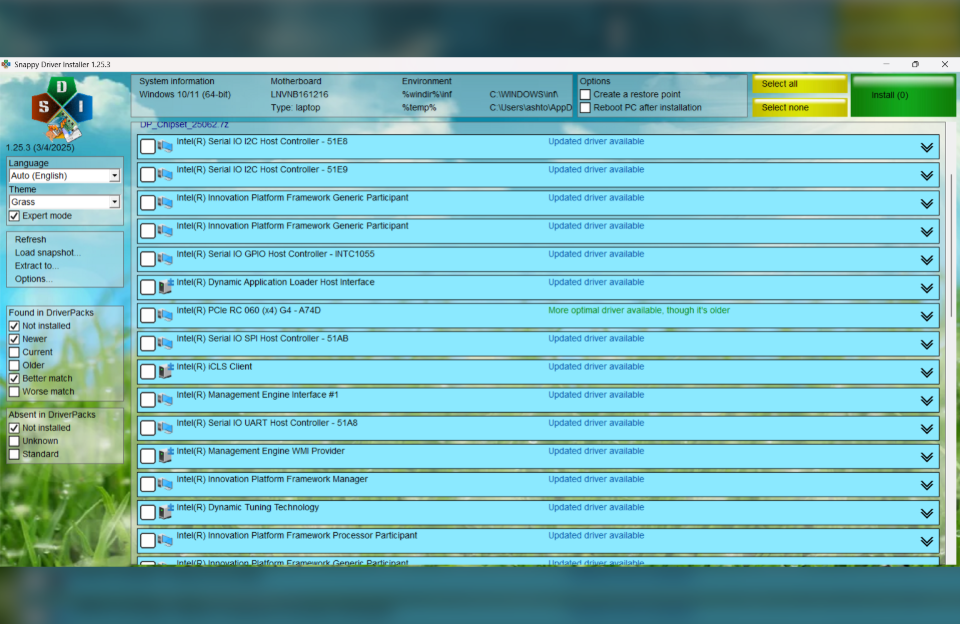
The Snappy Driver Installer (SPI), is a utility that does exactly what it says. You run the application locally or from a USB drive. From there it opens an easy to read and understand interface. It scans the computer for devices and presents a list. From there you can select which drivers you want to install and create a system restore. I’ve been using this application for a few years now and it hasn’t failed me. I no longer have to worry much about whether I’ll be able to find drivers for old machines. On the website it says it is compatible with XP, 2000, and above. It contains both x64 and 32bit versions. There’s a Full and Lite version. The Full version is approximately 45GB and is available via torrent. The Lite version weighing only 5MB can be downloaded directly, but you’ll have to download indexes in the app in order for it to scan your machine. I recommend the Full version as it doesn’t need anything extra. It really is set it and forget it.
Read more and download the Snappy Driver Installer on their website linked below.
Snappy Driver Installer Tool
Phils Computer Lab
https://www.youtube.com/@philscomputerlab
https://www.philscomputerlab.com